The app asks for a password. Does the database too?
In apps built with AI tools, data can be reachable without logging in. Here is why a password prompt alone is not enough.
Report date:
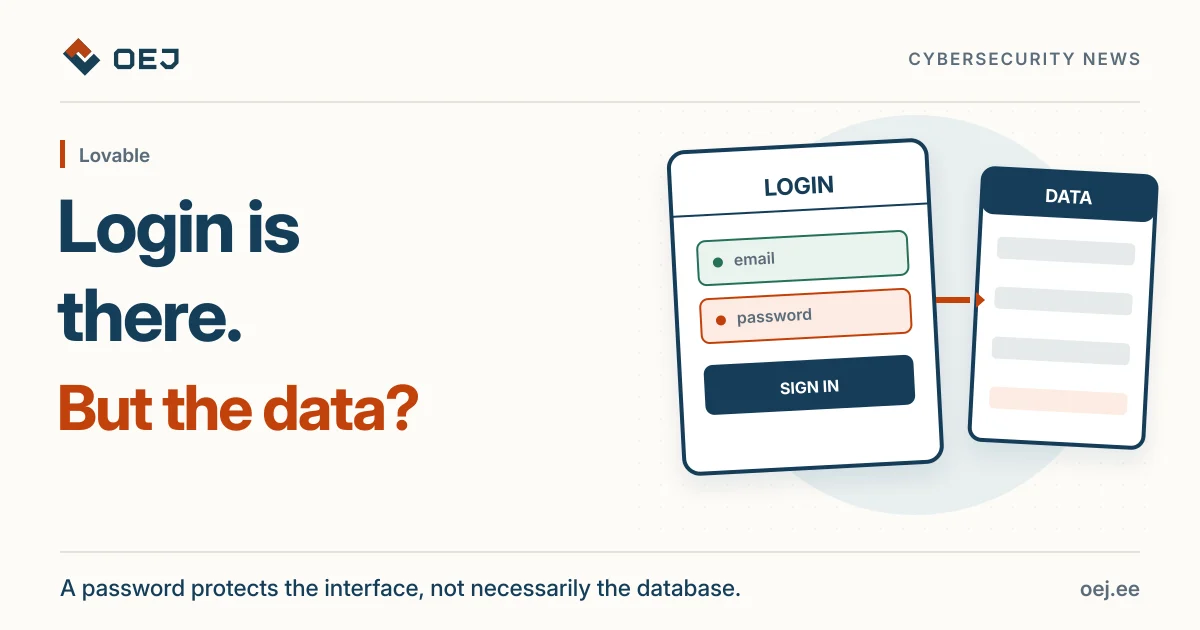
A login screen does not mean the database is protected. Test the app while logged out and with two different user accounts to confirm data is actually separated.
What happened?
German application-security firm Crissy Field investigated how well data is protected in applications built on the Lovable platform with AI. The research was carried out with the newspaper Handelsblatt, which reported it on 2 November 2026. The research page itself has revised and updated figures since that article.
Using Common Crawl web-archive data, the researchers identified and analysed 159,041 Lovable projects (December 2025 to September 2026). Of these, 34,545 used the Supabase database service. 24,664 websites sent database records from Supabase as soon as they loaded, without requiring a login.
That alone is not a security problem: the data may be intended for public display. But by making further read-only requests, the researchers found records containing email addresses in 10,560 tables across 7,403 of the 24,664 sites (30% of the subset examined more closely).
An important limit: 30% is not a leak rate. An email address may be a public contact or test data; the sample is not representative of all Lovable apps; the researchers downloaded only parts of the datasets.
What does it show?
The researchers describe serious examples: a forum with more than 80,000 profiles, more than 200,000 accessible chat messages, tens of thousands of ticket and food-sales records, and more than 1,000 records with identity-document details (passport numbers, expiry dates, nationalities). Also contracts, invoices and personal photo albums.
The researchers could not establish whether any of this data was misused. We do not name the datasets or victims.
Why is a password prompt not enough?
Signing in helps establish who the user is. A separate decision must determine which data that user may read or change. A hidden button or password form is not a substitute for server-enforced access control.
In Supabase, row-level security (RLS) is one mechanism for enforcing that decision: policies determine which database rows a user can access. RLS is not the only possible access-control architecture, but policies for a Supabase database accessed directly from a browser need deliberate configuration.
Lovable’s own documentation confirms the same point: missing RLS policies are the most common way app data gets exposed. That documentation is general security guidance, not the company’s response to this specific research.
What should you do?
- Ask your developer to test your own application with owner permission and test data: what is accessible without signing in? Check server responses, not just what appears on the page.
- Check with two different user accounts that each can see only its own data.
- Repeat the check after significant changes.
Editorial note: as of 7 November, I did not find a direct response to this research in the Lovable official sources checked. This does not establish that the company has not commented elsewhere.
A public website check cannot establish that database permissions or separation between user accounts work correctly. That requires a separate application review with the owner’s permission.
Sources and fixes
Original sources and instructions you can check yourself.
- Original sourceCrissy Field · research report on Lovable app data exposurewww.crissyfield.de · Checked 7 November 2026
- ContextLovable · Supabase integration and row-level security guidedocs.lovable.dev · Checked 7 November 2026
- ContextLovable · security best practices for appsdocs.lovable.dev · Checked 7 November 2026