PHP security update: what to ask your hosting provider
The patch may be installed while the website is still served by an old process. Here is what your hosting provider needs to verify.
Source event:
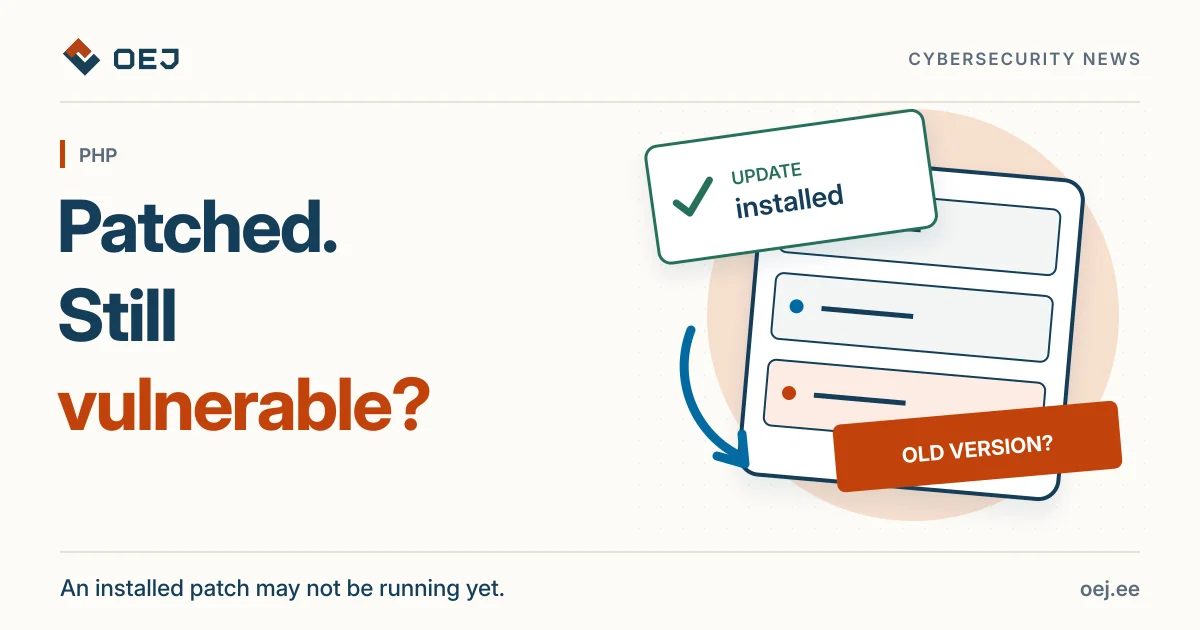
Ask for confirmation that the patched software is actually running. An installed package version alone is not enough.
What happened?
Google Cloud’s PHP security advisory covers CVE-2026-109618 and CVE-2026-109619 and describes exploitation attempts. This does not mean your website is compromised or that every PHP configuration is affected in the same way.
For a website owner, the important distinction is simple: installing a patch and running the patched software are different steps. Google explains that old PHP code can remain in running processes after the package on disk has been updated.
Who is affected?
If your website uses PHP, ask your hosting provider to check its actual runtime against the advisory’s conditions. Do not decide whether it is affected from the site’s design, CMS name or a public version banner alone.
You do not need to log into a server or run commands yourself. This is a question for the person responsible for your hosting.
What should you ask your hosting provider?
- Is the PHP version and configuration serving my website affected by this advisory?
- Has the fix been installed, and have the actual web-serving processes been restarted or replaced?
- What confirms that the website is now served by the patched software?
- Do logs or other evidence give reason to suspect a compromise?
You can send this question:
Please check my website’s PHP environment against Google’s advisory. Is the patch installed, and are the web-serving processes using the fixed version? Please explain how you verified that.
When should you avoid simply restarting?
If compromise is suspected, involve a qualified administrator or incident responder before restarting. Google warns that restarting a process destroys volatile evidence in memory. Evidence preservation and service recovery then need coordinated handling.
The recommendation is therefore not “restart everything immediately.” It is verify that the fix is actually in use and account for a possible incident.
What can you check yourself?
Read your hosting provider’s notices and ask for written confirmation of the work. A general website check does not establish that the server is free of this particular vulnerability. Use the original advisory below for current instructions and exceptions.
Sources and fixes
Original sources and instructions you can check yourself.
- Original sourceGoogle Cloud · PHP security advisorycloud.google.com · Checked 26 October 2026
- Fix or instructionsPHP · official fix for CVE-2026-109618github.com · Checked 26 October 2026
- Fix or instructionsPHP · official fix for CVE-2026-109619github.com · Checked 26 October 2026